

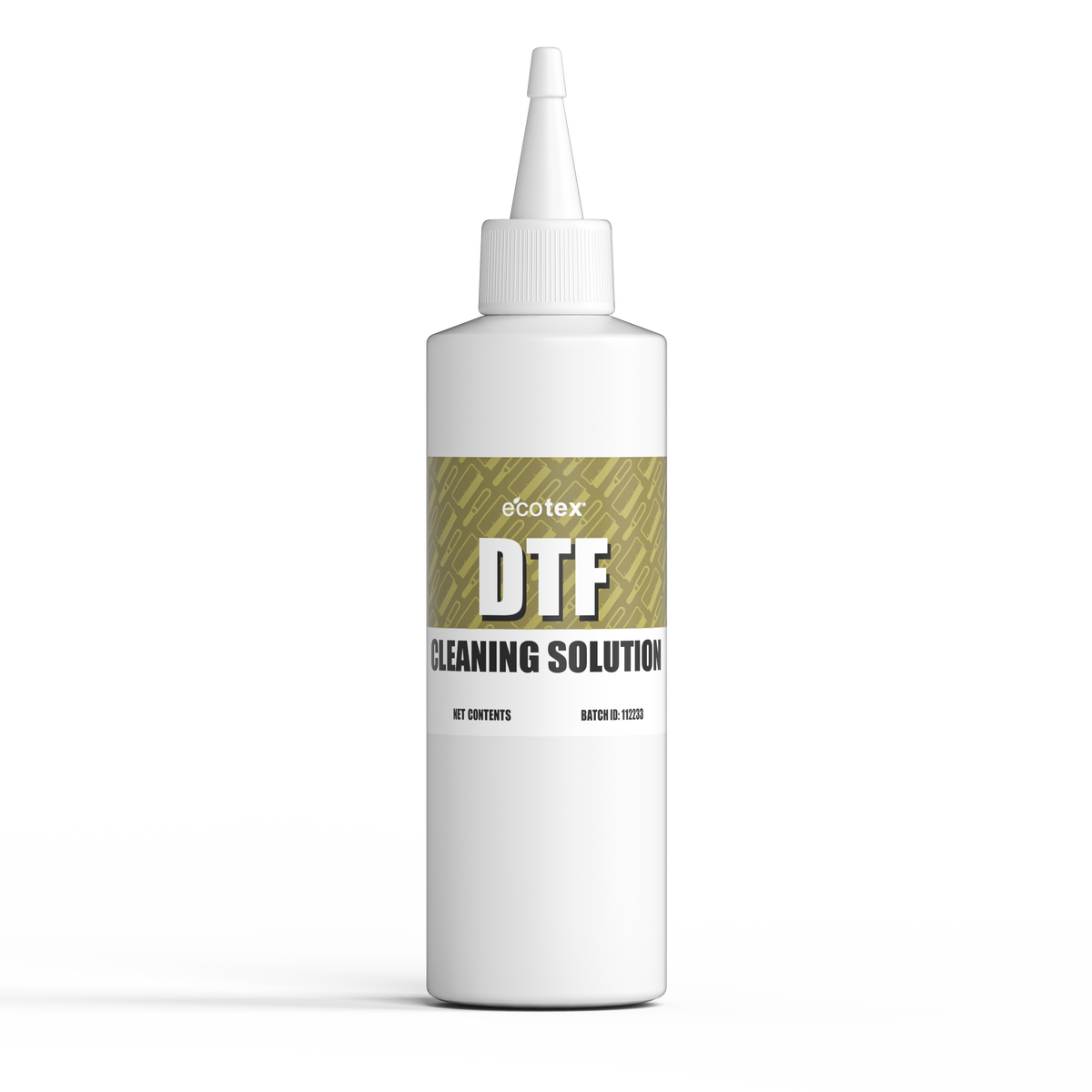

Description
- Removes dried ink buildup: Dissolves dried white and color DTF ink on the capping station, wiper blade, and surrounding parts.
- Protects your printhead: Clears the buildup that causes clogs before it reaches your nozzles.
- For DTF printers built on Epson heads: L1800, ET-8550, XP600, i3200, and more.
- Safe on surrounding parts: Non-corrosive formula won’t damage rubber seals, plastic, or metal parts.
- Flushes ink lines: Clears dried ink from disconnected ink lines during maintenance or ink changes.
-
Made for routine maintenance: Use weekly, or daily after heavy printing, to keep ink buildup under control.
WHY IT MATTERS
A new printhead costs $275 to $1,500.
White DTF ink is loaded with titanium dioxide, a heavy pigment that settles and dries fast. It builds up on your capping station and wiper, then works its way into nozzles thinner than a human hair. The result is white printing in lines, missing nozzles, and weak coverage. Leave it long enough, and the printhead is useless. A few minutes of cleaning a day is the cheapest protection your printer can get.
DESCRIPTION
Ecotex® DTF Cleaning Solution is a cleaning and ink-line flushing fluid for water-based DTF inks. It dissolves the dried white and color ink that clogs DTF printers, without the risks of alcohol, glass cleaner, or tap water.
One bottle, three jobs:
- Routine cleaning: Swab the capping station and wiper to remove dried ink before it reaches your nozzles.
- Clog soaks: Soak the printhead on a filled capping station to loosen dried ink when a nozzle check shows gaps.
-
Ink line flushing: Clear dried ink from disconnected ink lines before storage or when switching inks.
COMPATIBILITY
For water-based DTF pigment inks and Epson printheads, including:
- Epson L1800 / L805
- Epson EcoTank ET-8550 / ET-8500
- Epson XP-15000
- Epson XP600
- Epson i3200 / i1600
- Epson R1390
- Epson TX800 / DX5 / DX7
Also works with DTF printers, including Procolored, HTVRONT, Prestige, Audley, and Sublistar models.
Not for UV DTF, solvent, or eco-solvent inks. Not sure about your printer? Contact us before ordering.
HOW TO USE
Use lint-free foam swabs. Cotton swabs and paper towels leave fibers behind. Capping station access varies by printer, so check your manual for how to move or park the printhead.
Routine Cleaning
- Power off the printer.
- Dampen a foam swab with solution.
- Swab the capping station, wiper blade, and edges around the printhead until clean.
- Do this at the end of each print week or heavy print day, and always before the printer sits for 2 or more days.
Clog Soaks
- Run a nozzle check to find gaps.
- Power off the printer. Fill the capping station with solution until it sits just below the rim. Don’t overflow it.
- Power on so the printhead parks on the filled cap. Let it soak for 30 minutes.
- Run one head clean, then a nozzle check. Repeat once if needed.
- Don’t run a head clean during the soak. It pumps the solution out of the cap and into the waste tank.
Flushing Ink Lines
- Power off the printer.
- Disconnect the ink line from both the ink tank and the damper.
- Hold the damper end of the line over a waste cup.
- Attach a syringe with at least 10 mL of solution to the tank end and push slowly until it runs clear.
- Push air through the line to empty any remaining solution before reconnecting.
- Reconnect the line, then refill it with ink before printing.
FAQ
Why is my DTF printer not printing white?
White ink is the heaviest DTF ink, so it clogs first. Clean the capping station and wiper, then soak and run a nozzle check. Shaking your white ink daily helps keep the pigment from settling.
How often should I use it?
Swab the capping station and wiper weekly, or daily after heavy printing, and always before the printer sits for 2 or more days. Do a clog soak when a nozzle check shows gaps. Flush disconnected ink lines before storage or when switching inks.
How much solution do I need to soak a clog?
Fill the capping station until the solution sits just below the rim, so it touches the printhead when it parks. A few drops won’t reach the nozzles.
Can I use isopropyl alcohol or Windex instead?
No. Alcohol can dry ink into a harder clog and may damage seals. Ammonia-based glass cleaners can corrode the nozzle plate.
Will it fix a printhead that’s completely ruined?
It clears dried ink clogs, especially when you catch them early. Some severely hardened printheads cannot be recovered.
Does it work with UV DTF?
No. It’s made for water-based DTF pigment inks only.
Use only as directed. Screen Print Direct is not responsible for printer or printhead damage from use outside of these instructions.
Click here for the Safety Data Sheet
Payment & Security
Your payment information is processed securely. We do not store credit card details nor have access to your credit card information.